Getting started
Get the most out of Blutui AI Components
Introduction
Blutui's AI components can supercharge your website development by generating pre-built sections like headers, footers, galleries, and even entire hero sections! But to maximize their potential, follow these best practices.
Blutui AI Components can occasionally produce code with errors. While we've minimized this risk, it's always your responsibility to ensure the generated code functions as intended within your project.
How to Access Blutui AI Components
Select Your Agency
From the Agency dropdown located in the top-left section of the dashboard, select the appropriate agency.
Open a Project
Click on your specific project to enter the workspace and begin generating components.
Best Practices for Component Generation
Focus on components, not full pages
Blutui AI Components excels at creating individual website components. While the tool is capable of generating entire pages, we recommend starting with components and building out the page section-by-section to ensure your project remains maintainable and scalable. This modular approach allows for easier debugging, effortless reuse across other pages, and more precise control over the generated code.
Create an our team section component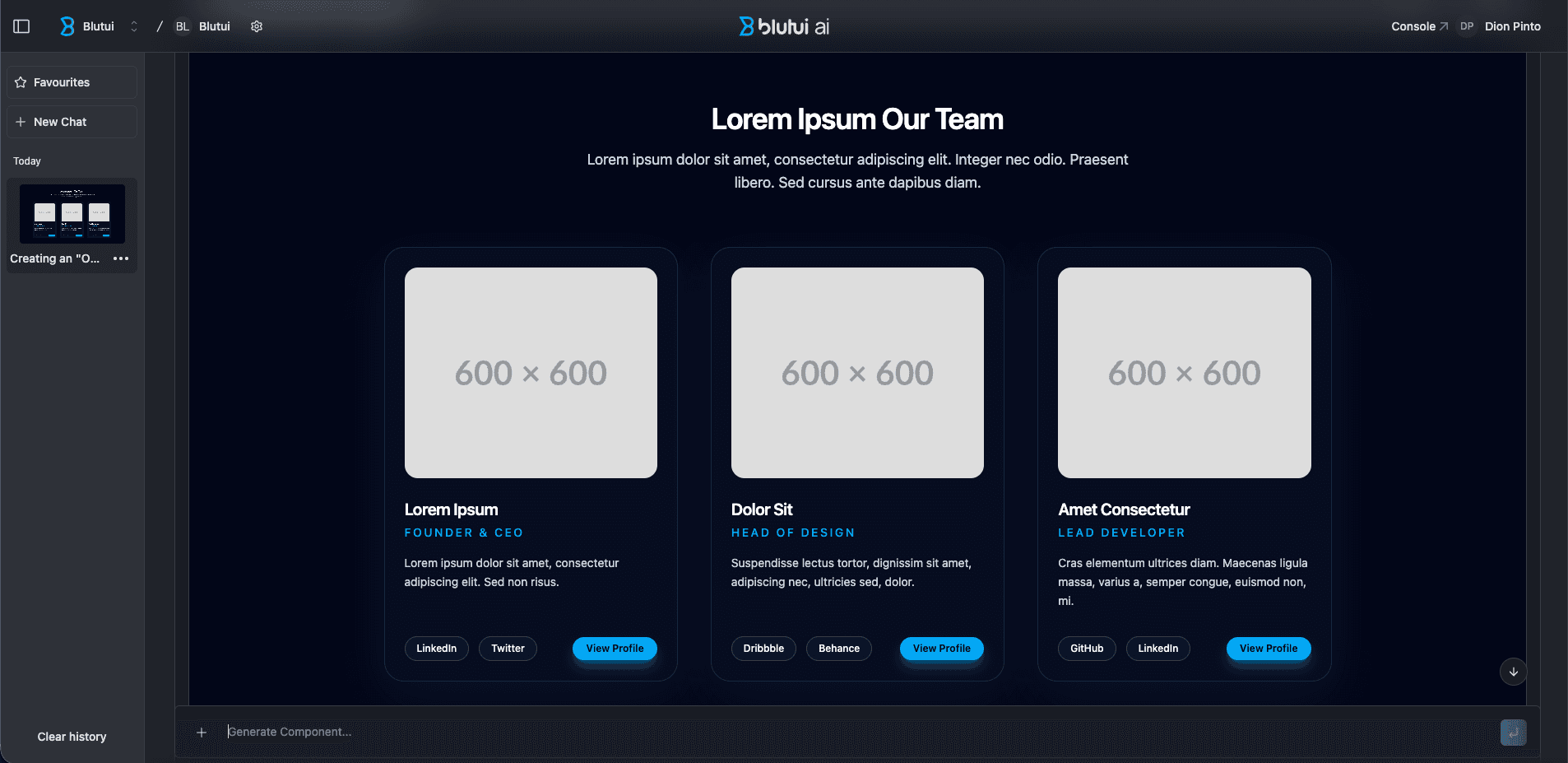
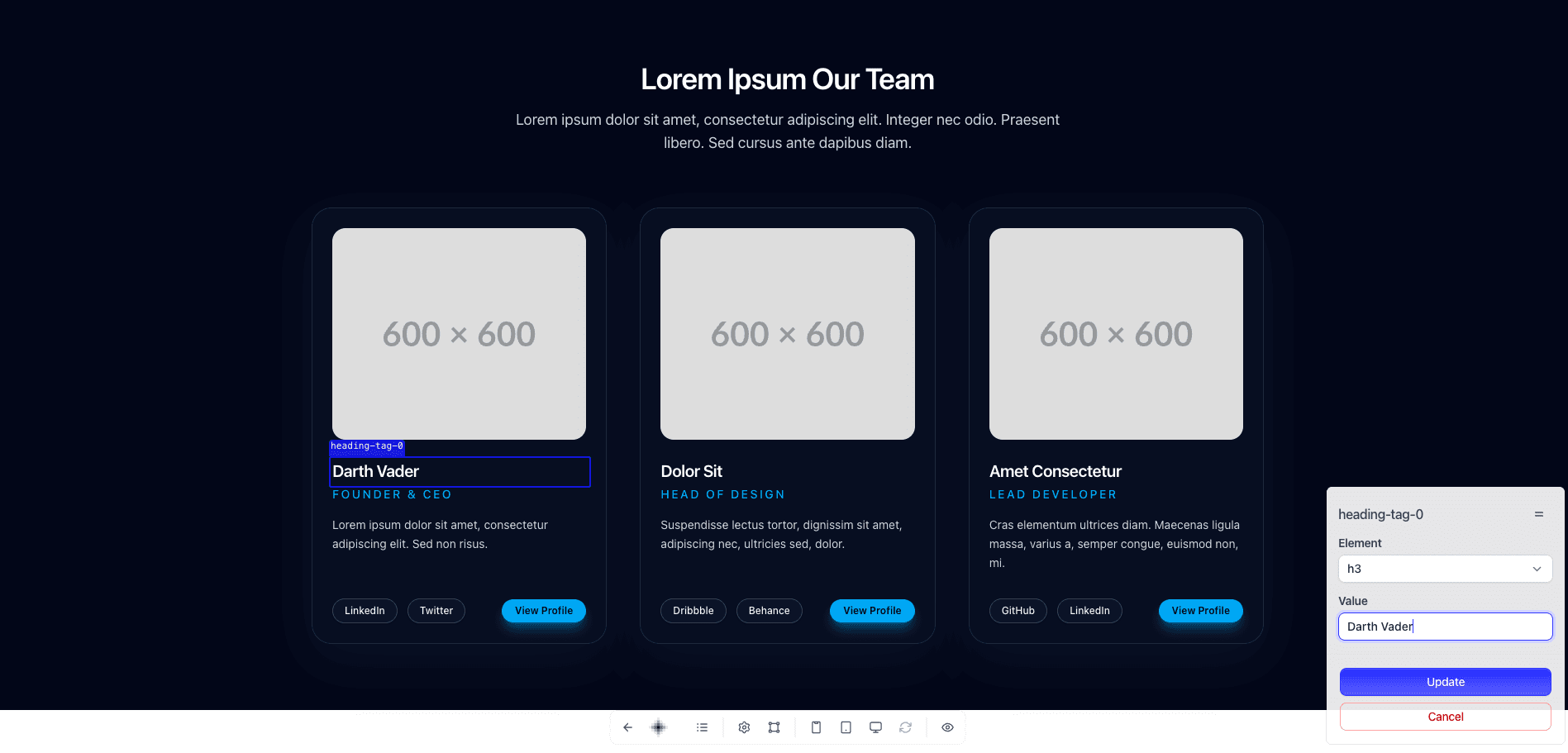
Leverage Canopy for effortless editing
While the AI tool can populate your components with text/images etc, using Canopy, Blutui's built-in editor, is a faster and more efficient way to add or edit content.
Open your Blutui project on Canopy and edit away.
Specificity is key for styling
The more detailed you are about your styling needs, the better the AI can tailor the generated code to your exact vision. Be as verbose as possible.
Create a page component which is a hero section that has a faded-out background, we have text and buttons on the left side and 2 images on the right with slight offset at the top on where the image starts the 2 images are https://cdn.blutui.com/uploads/stride_echoes/rc-1.webp and https://cdn.blutui.com/uploads/stride_echoes/rc-2.webp. I want the text to be old-time roman as title and serif for everything else. Make the text black and the buttons black with white text and no roundness, Make the layout a grid-based where the text side takes 2 columns and the images take 1 column each and have a gap between.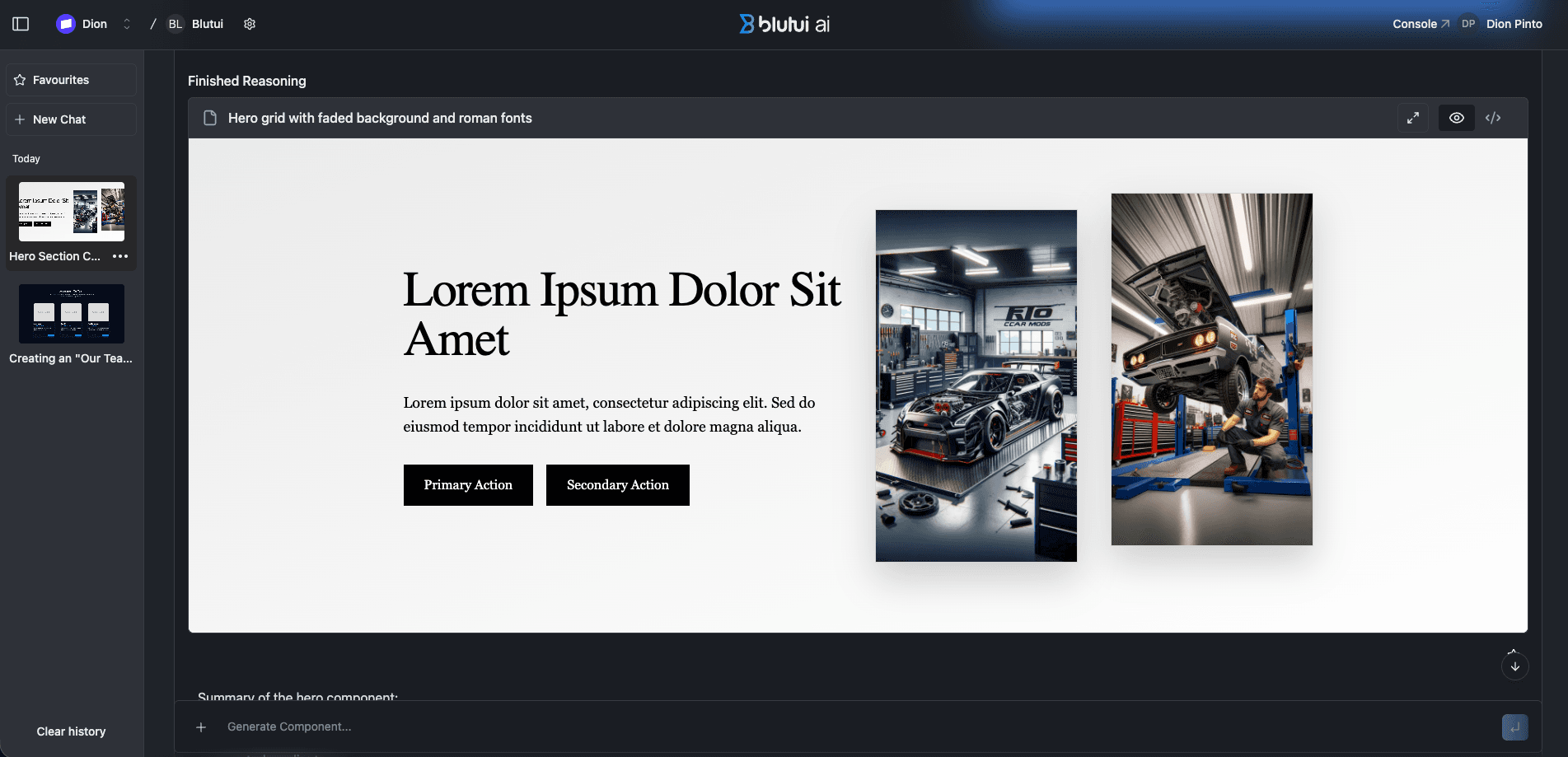
Learn More
If you want to learn more about how to seamlessly integrate Blutui AI components into your workflow, check out our detailed guide on How to use Blutui AI in a project. This resource provides a deep dive into using AI-generated elements directly to your Blutui projects for a faster, more efficient build process.
Last updated on