Creating & Managing Pages
How to create & manage pages in Blutui
Create a New Page
You can create a page by clicking on the Add page button on the top right hand side of the page.
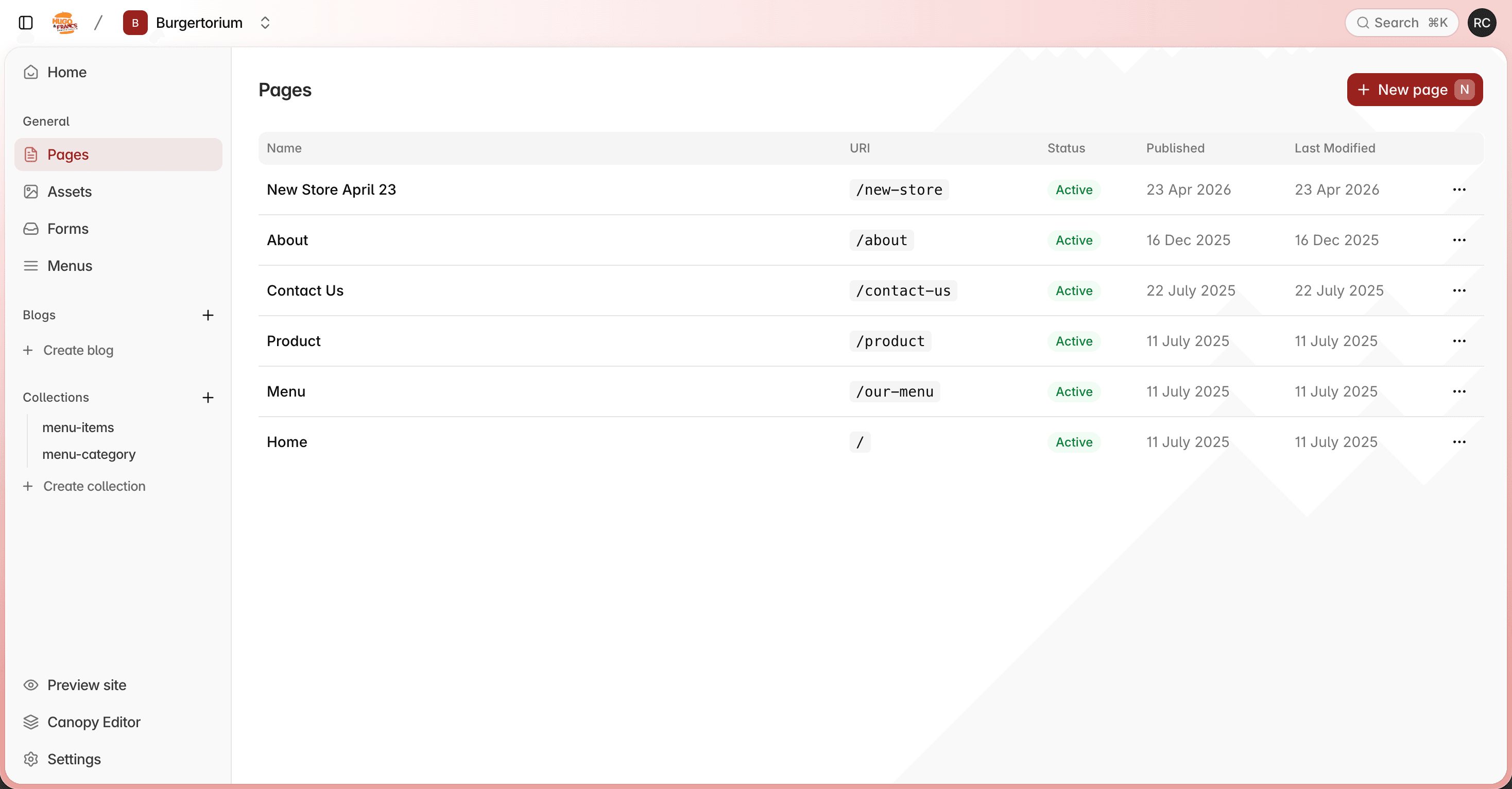
After clicking the Add page button, a dialog will appear where you need to fill in the following details:
Page Name
Enter a name for your page. This will be used to identify the page in the dashboard and can also be used as the page title.
Page URL
Set the URL path for your page. This determines where the page will be accessible on your site (e.g., /about or /contact-us).
Layout
Select a layout template for your page. The layout determines the structure and design of your page.
If the layout you need is not available in the dropdown, contact your developer to add it to your project. Layouts are created by developers in the project's codebase.
Once you have filled in the required details, click Create to add your new page.
Managing a Page
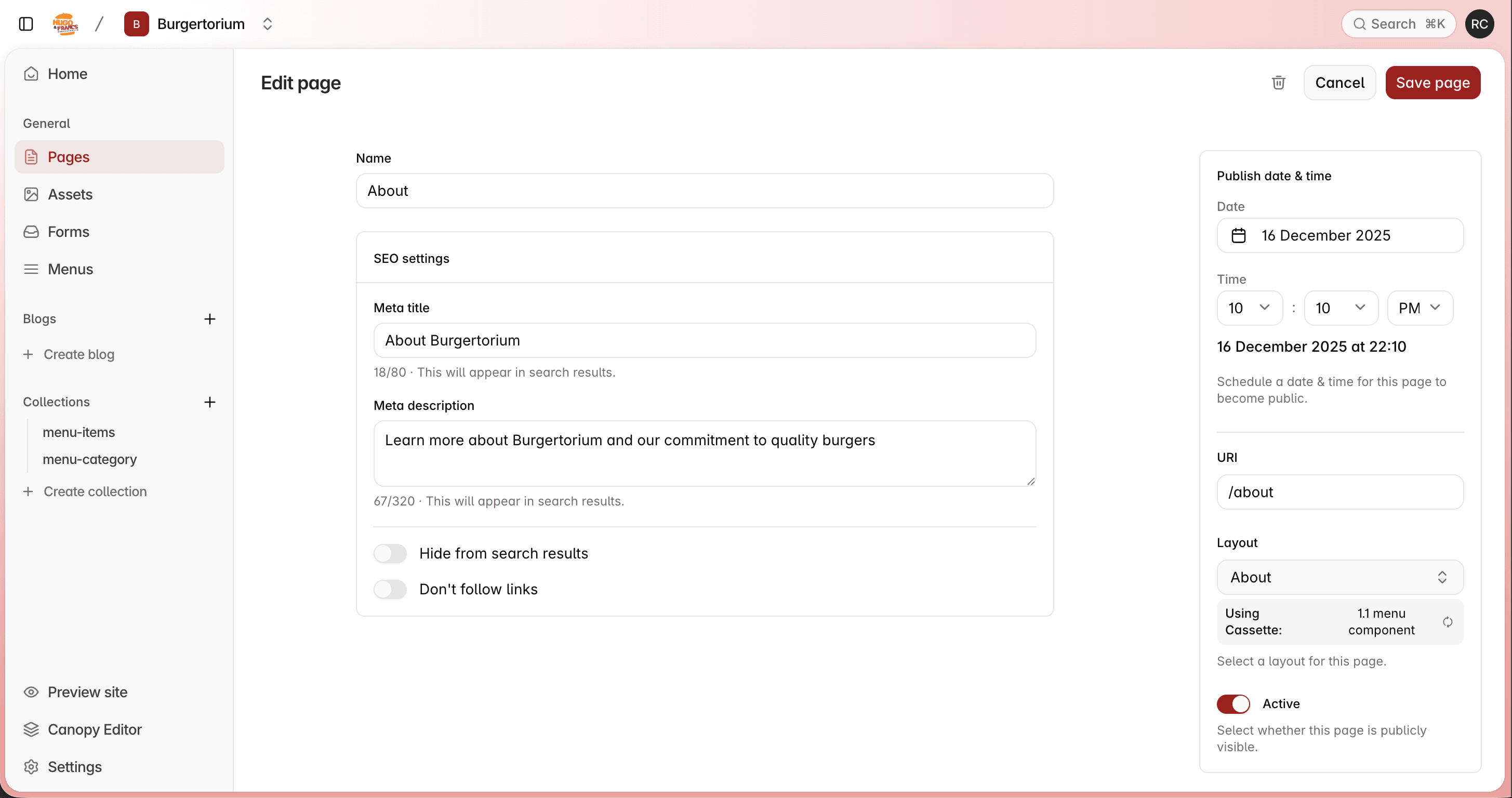
Editing Page details
You can change various parameters of your page such as the Name, URL, Meta title, Meta description, Visibility , Layout and the Publish Date.
Name
You can set your page Name here.
URL
You can set your URL here.
Meta title
You can set your Meta title here.
Meta description
You can set your Meta description here.
Visibility
You can set your page to be visible or hidden when hidden is select your page won't be visible if deployed.
Layout
You can select the template for this page.
Publish Date
Schedule a date for this page to become public.
Last updated on