Authentication
You'll need to authenticate your requests to access any endpoints in the Project API.
The Blutui Project API requires a Project access token to authenticate requests.API requests made without the correct access token will return a 401 error. Requests using a valid access token but with insufficient permissions will return a 403 error.
Generating an Project Access Token
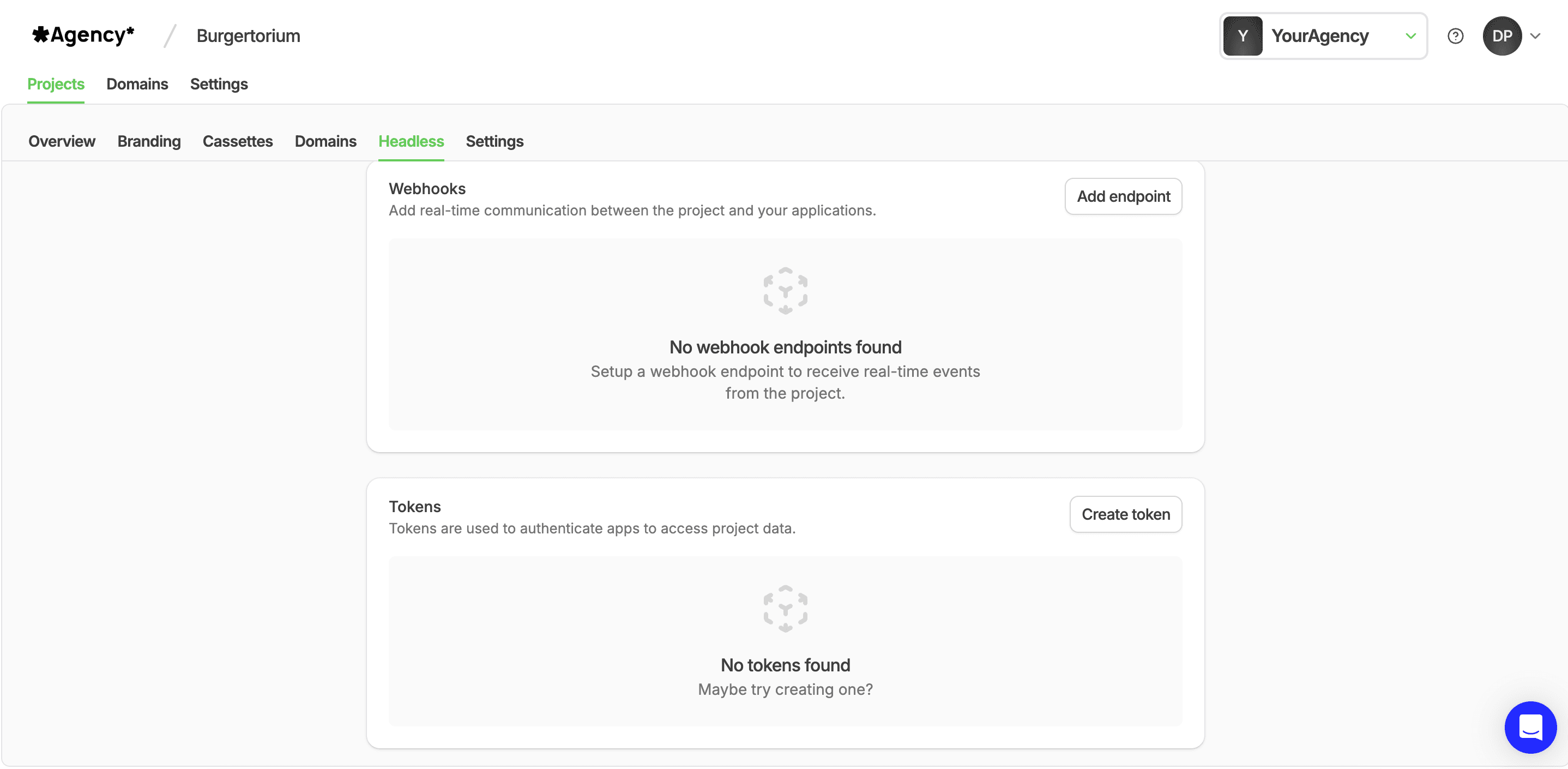
- Select the Project you wish to access from the Console.
- Navigate to the Headless tab.
- Click on the Create token button to generate a new access token.
Here's how to authenticate with an access token using cURL:
curl https://{handle}.blutui.com/api/menus \
  -H 'Authorization: Bearer bt_publishable_....'
Last updated on